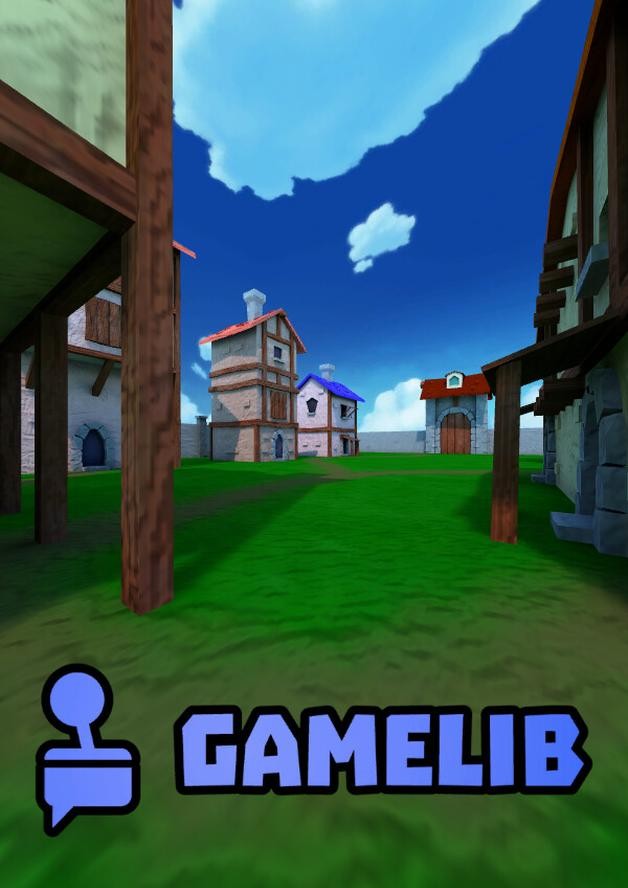
You can play GameLib in the cloud on GeForce NOW. You play on your PC, phone, tablet or TV with nothing to download. The game is free to play, so there is no copy to buy.
You need your own copy of the game. The service runs it for you.
GameLibWhere to play GameLib in the cloud
Everything you need to start it, and the best stream quality it can send. On GeForce NOW it is an Install-to-Play title. The service installs it on your session's cloud storage when you start it. This takes a few minutes and needs the Performance or Ultimate plan.
Lists updated · how we collect data
GameLib in pictures
Screenshots and the trailer. Click one to see it full size.
Where to buy GameLib for cloud play
GeForce NOW and Boosteroid do not sell games: you play the copy you already own. If you do not have GameLib yet, buy it from one of these stores. It then works in the cloud on any device. Prices are shown for your country.
GameLib on GeForce NOW
Your GeForce NOW plan decides how good GameLib looks, how long one session lasts, and whether you wait for a machine. These limits are the same for every game on GeForce NOW.
NVIDIA sells GeForce NOW itself here, in US dollars.
- Can play GameLib
- No
- Resolution
- 1080p
- Frame rate
- 60 fps
- Ray tracing & DLSS
- —
- HDR & ultrawide
- —
- Graphics card
- Basic, shared
- Max session length
- 1 hour
- Hours included
- Unlimited, with a queue
- Can play GameLib
- Yes
- Resolution
- Up to 1440p
- Frame rate
- 60 fps
- Ray tracing & DLSS
- RTX ON
- HDR & ultrawide
- Ultrawide
- Graphics card
- RTX-class, dedicated
- Max session length
- 6 hours
- Hours included
- 100 a month
- Can play GameLib
- Yes
- Resolution
- Up to 5K
- Frame rate
- 120 fps · 360 fps at 1080p
- Ray tracing & DLSS
- RTX ON · DLSS 4 · Reflex
- HDR & ultrawide
- HDR · ultrawide
- Graphics card
- RTX 5080-class
- Max session length
- 8 hours
- Hours included
- 100 a month
About GameLib
Who made it, when it came out, and how it plays. The same on each service.
- DEVELOPER
- ComputerDev
- RELEASE DATE
- Jun 24, 2024
- GENRES
- Strategy, Casual, Card & board, Indie
- GAME MODES
- Single-player, multiplayer & co-op
- CONTROLLER SUPPORT
- None. Keyboard and mouse only
Get notified about GameLib
One email when GameLib arrives on a new cloud service, or leaves one. Nothing else, no newsletter.
GameLib cloud gaming FAQ
Can you play GameLib in the cloud?+
Yes. GameLib is on 1 cloud gaming service: GeForce NOW. You play it on a PC, phone, tablet or TV. You download and install nothing.
Is GameLib on GeForce NOW?+
Yes. GameLib is on GeForce NOW. You must own the game on Steam. GeForce NOW then runs your copy on its servers. It is an Install-to-Play title: GeForce NOW installs it for you each time you start it, which takes a few minutes. Install-to-Play needs the Performance or Ultimate plan.
Is GameLib on Boosteroid?+
No. GameLib is not on Boosteroid now. It is on GeForce NOW.
Is GameLib on PlayStation Plus?+
No. GameLib is not on PlayStation Plus now. It is on GeForce NOW.
Is GameLib on Xbox Cloud Gaming?+
No. GameLib is not on Xbox Cloud Gaming now. It is on GeForce NOW.
Is GameLib on Amazon Luna?+
No. GameLib is not on Amazon Luna now. It is on GeForce NOW.
Do I need to buy GameLib to play it in the cloud?+
No. GameLib is free to play, so there is no copy to buy. On GeForce NOW, press Mark as owned on the game's page and it joins your library. You pay for the cloud service separately.
Can you play GameLib in the cloud for free?+
No. GameLib is an Install-to-Play title on GeForce NOW, and Install-to-Play needs the Performance or Ultimate plan. The free plan cannot start it.
Can I play GameLib with a controller?+
No. GameLib has no controller support. It needs a keyboard and mouse, so play it on a laptop or desktop.
Games like GameLib you can play in the cloud
Games players describe the way they describe GameLib: Strategy, Arcade, Board Game.